
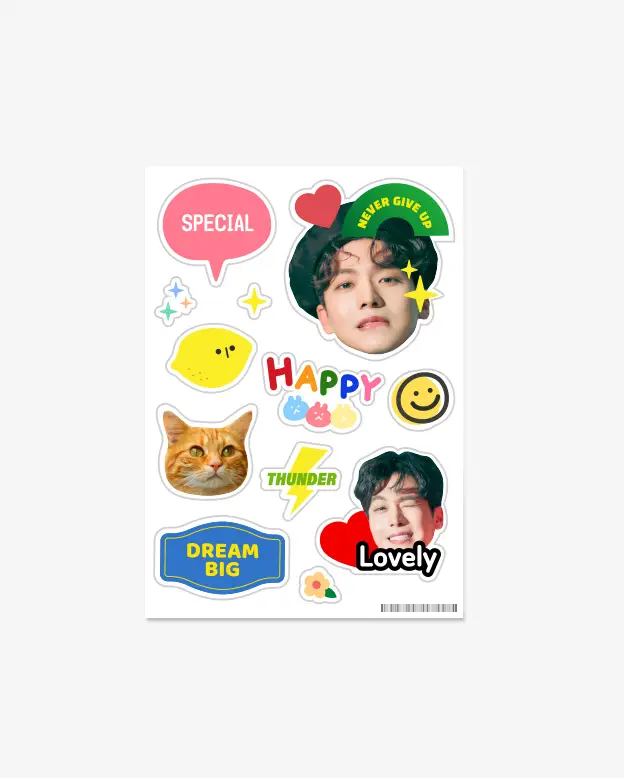
I was worried that the work might be delayed because of the dog's fur color.
However, I really love the result!
I was pleased that the colors turned out so beautifully. Thank you.
Read more


This freeform MagSafe phone grip is made from clear acrylic.
Customize it with your favorite images, logos, or characters to create a practical smartphone stand, fan merchandise, or branded promotional item.
Precautions
How to Use the Cut Line Editor


Precautions for Purchase
1. Please check the image resolution.
If you use an enlarged image with a low resolution, mosaic or blurring may occur during printing. (Basic requirements of image file : Resolution 300dpi or higher)

2. Due to the difference in color mode, the screen color and the actual product may be slightly different.

How to Use the Automatic Cutline Editor


