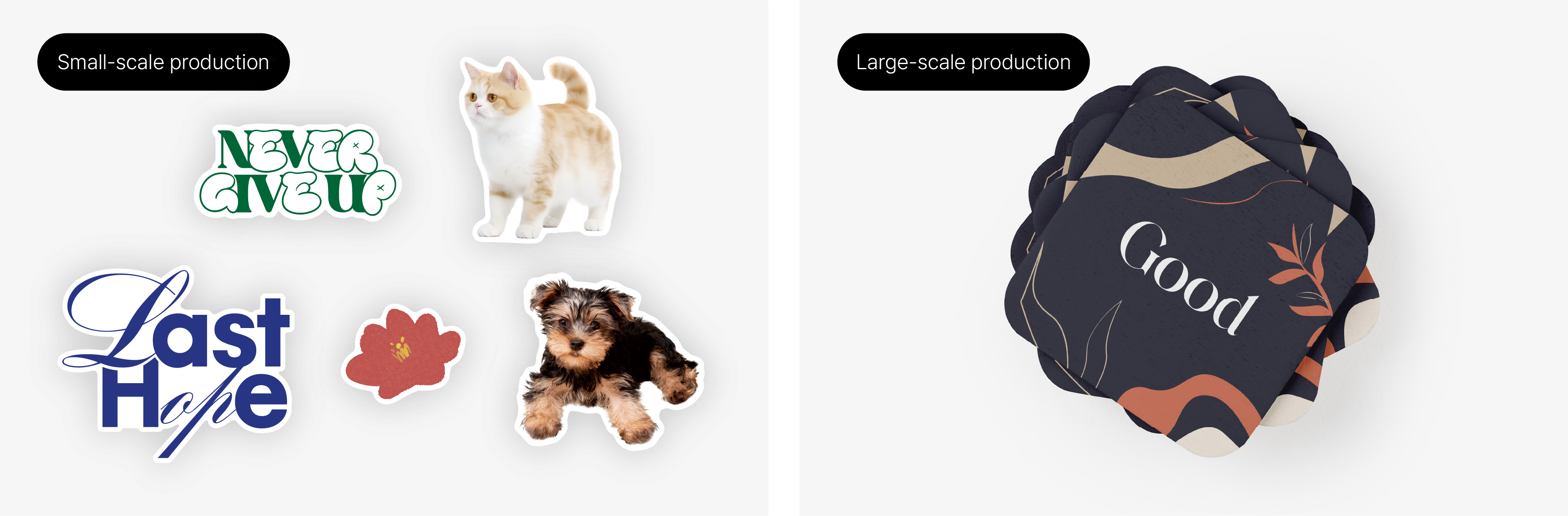
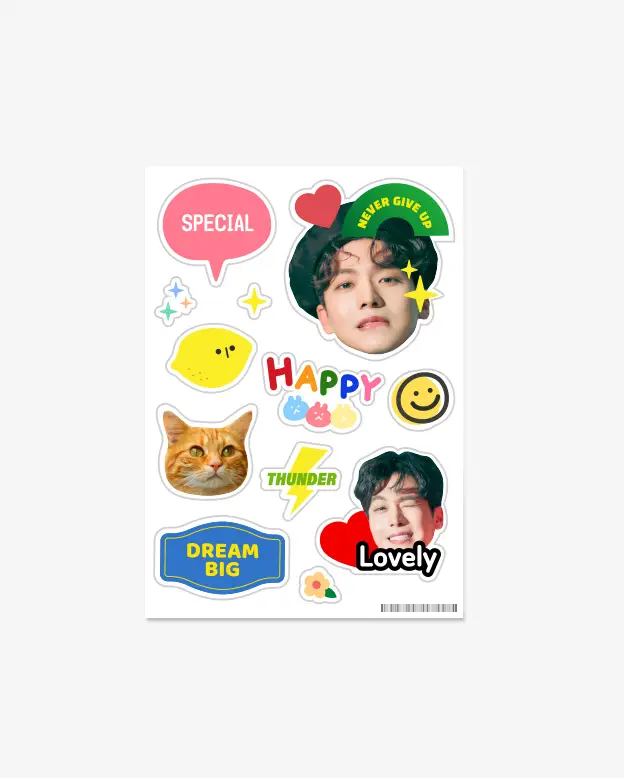
How to Use the Auto Cut Line Editor
- Upload a PNG or JPG image to automatically generate a cut line.
- Only image files smaller than 10MB can be uploaded.
- The clearer the background or image outline, the cleaner the cut.
- Choose a cut margin of 2mm, 3mm, or 4mm.
- Set your size using number input or the slider bar.
- The black dotted line represents the final size including the cut margin.
- Images with one side excessively long may not be uploaded to the automatic cut-line editor.
1. How to Export JPG/PNG Files from Illustrator
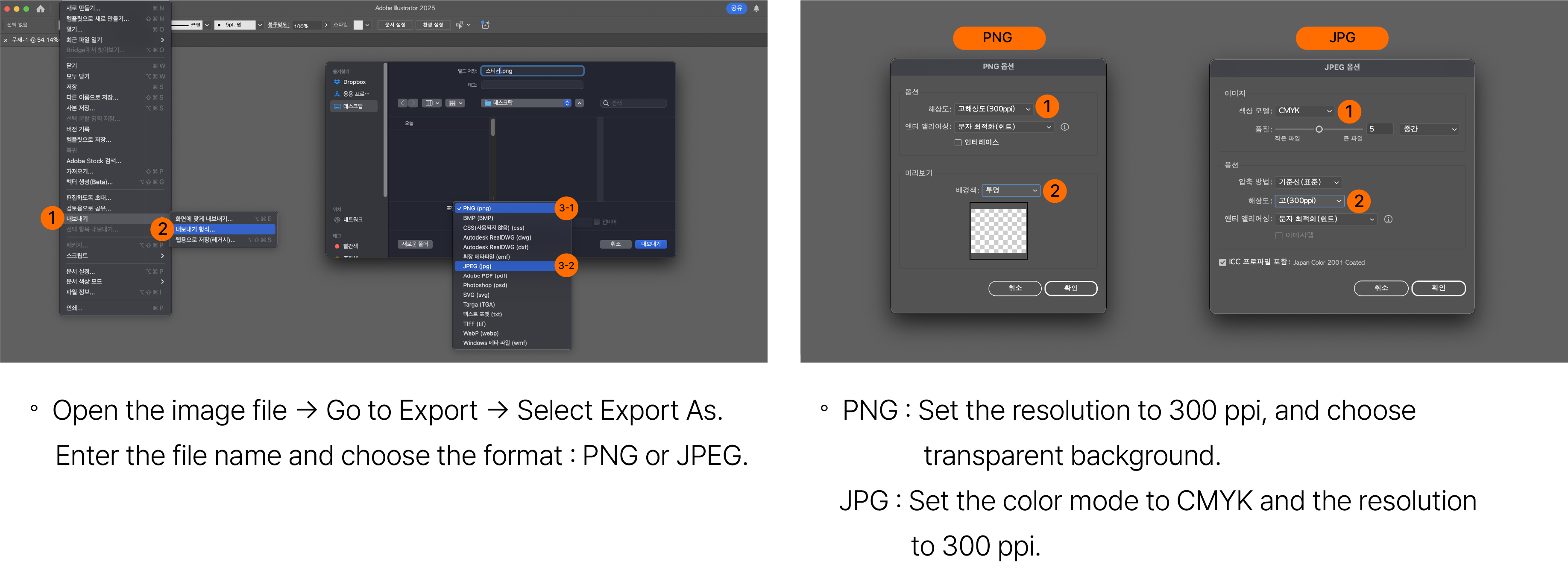
2. Automatic knife line generation editor
- When you upload an image in the editor, an automatic cutting line (knife line) is generated based on the outline of the image.
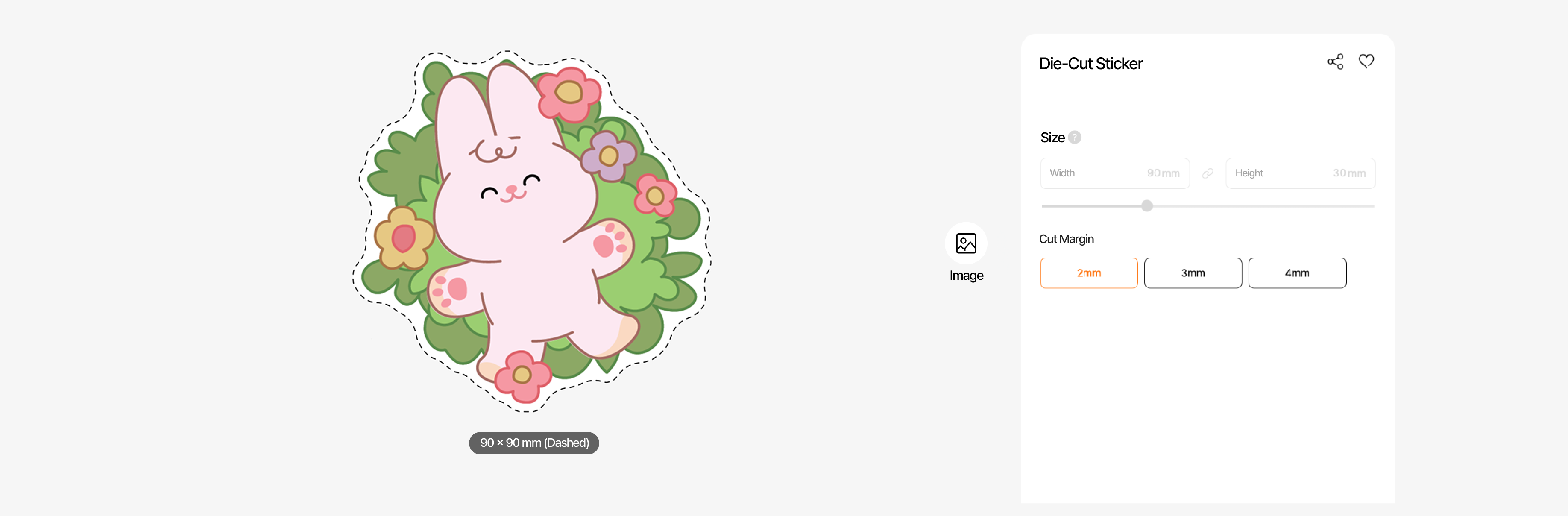
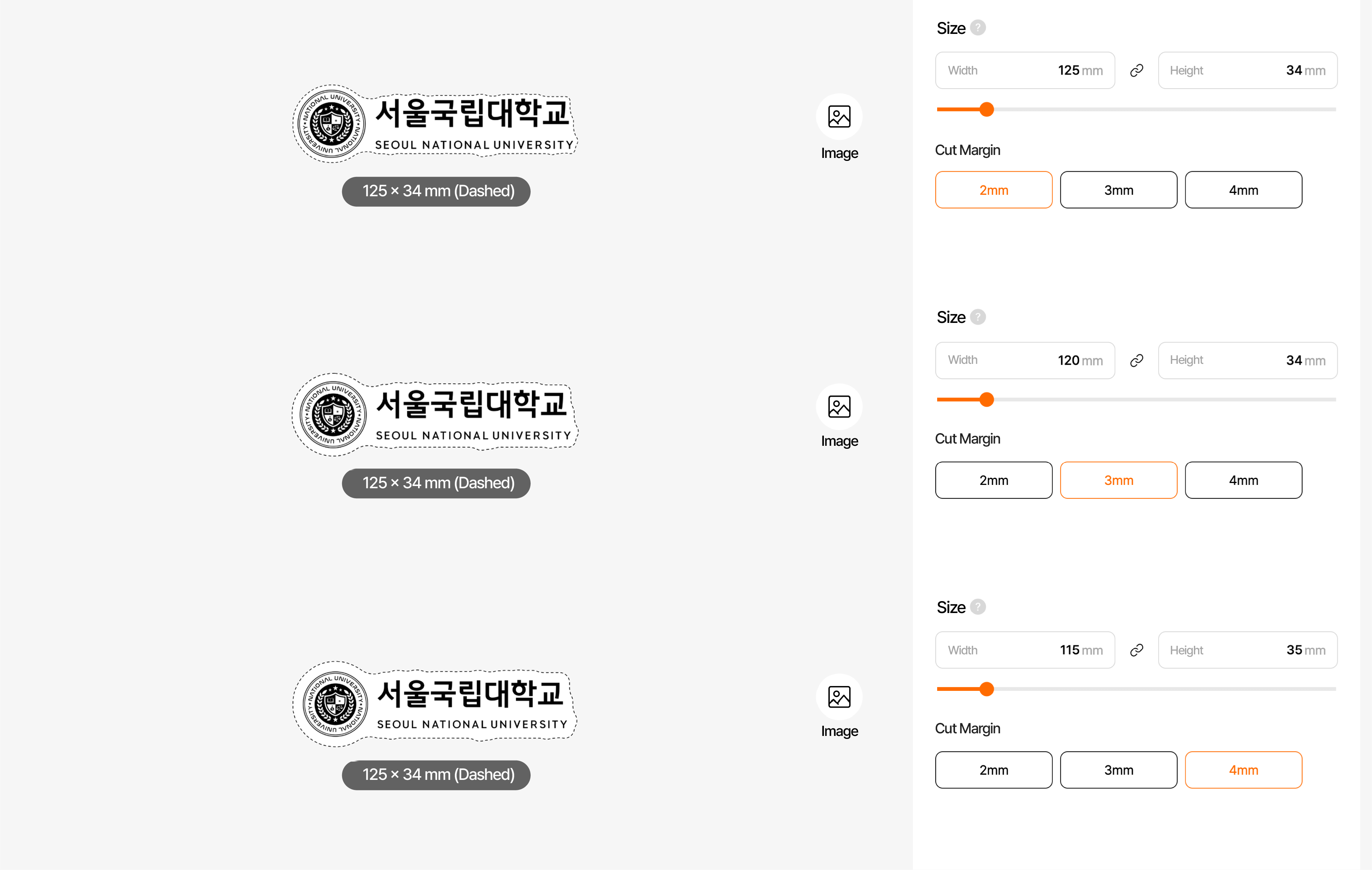
3. Setting the knife line and border thickness
- The black dotted line is the actual sticker knife line that will be created.
- Please adjust the size or border thickness according to your preference.
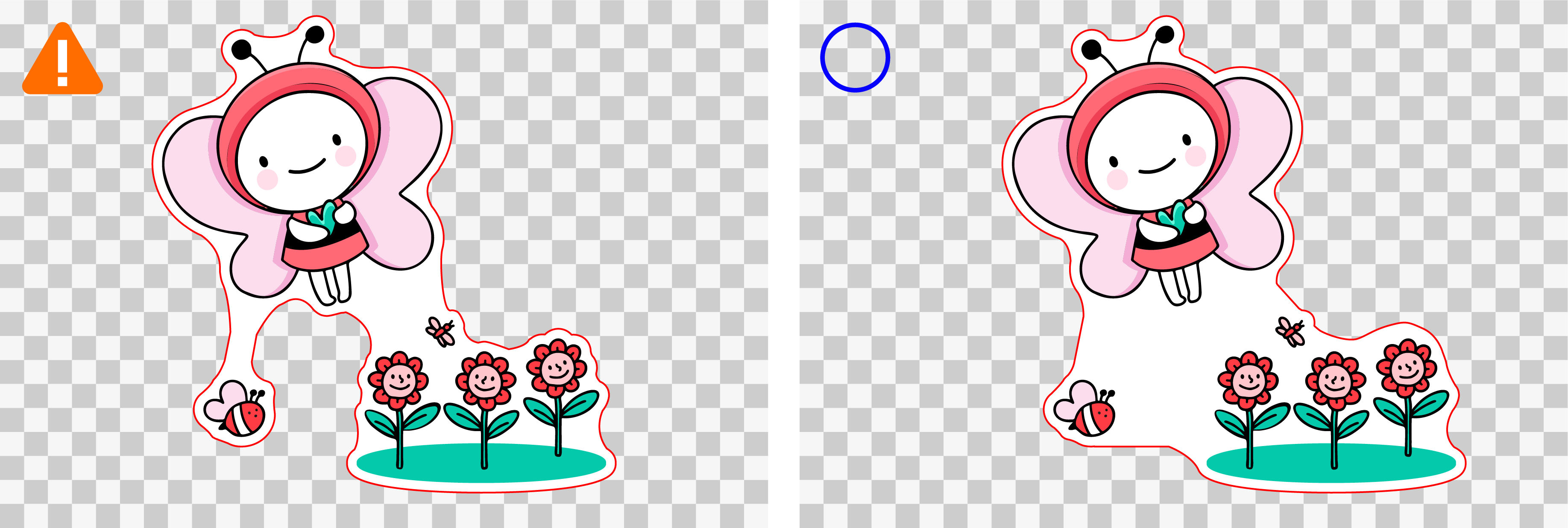
4. If there is a large gap between images
- Separated images are recognized as one design and a single knife line is created, even if they are widely spaced.
- If you have a favorite connected shape, please upload it directly on a white background.
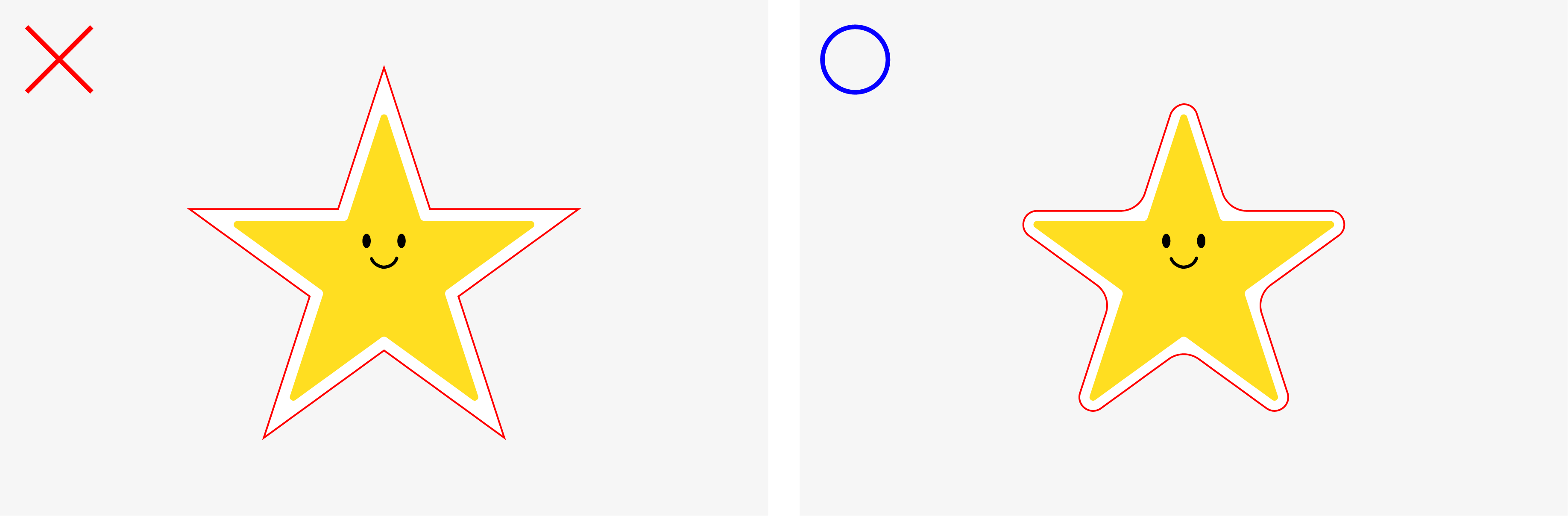
5. Smooth rounding
- The outlines of your uploaded image will be automatically softly rounded to create a clean look with no sharp edges.
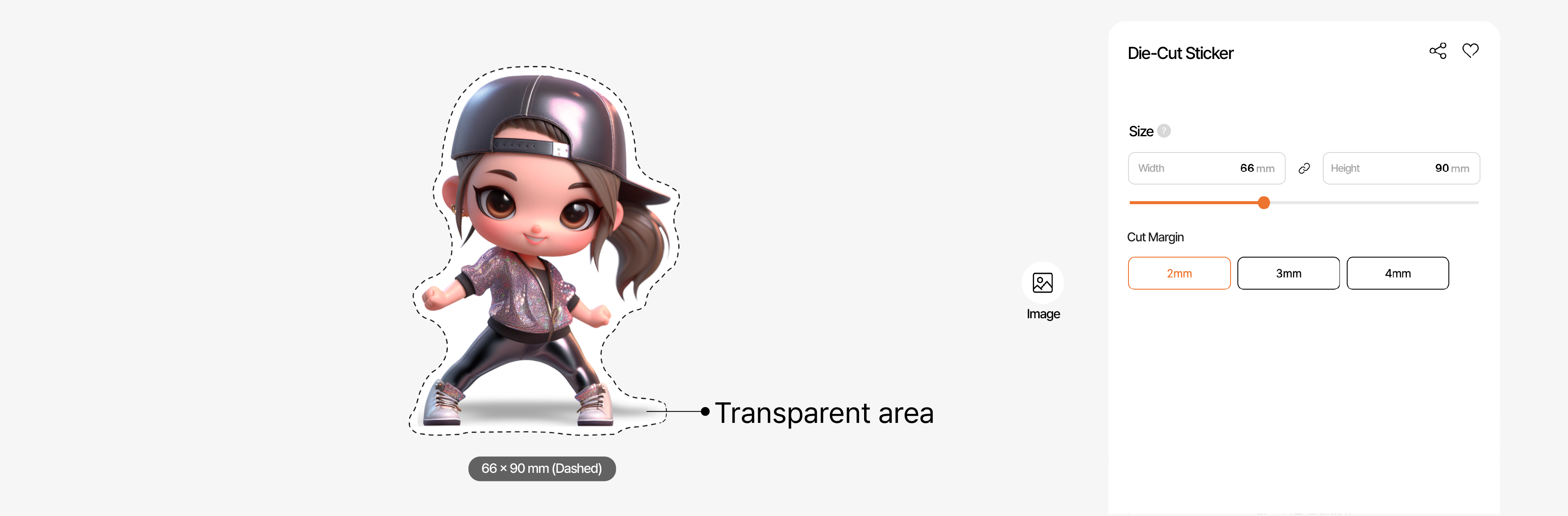
6. Images with shadows or indistinct areas
- Images that contain blurry representations such as shadows may result in soft or thick knife lines.
- We recommend not including these elements for a cleaner result.
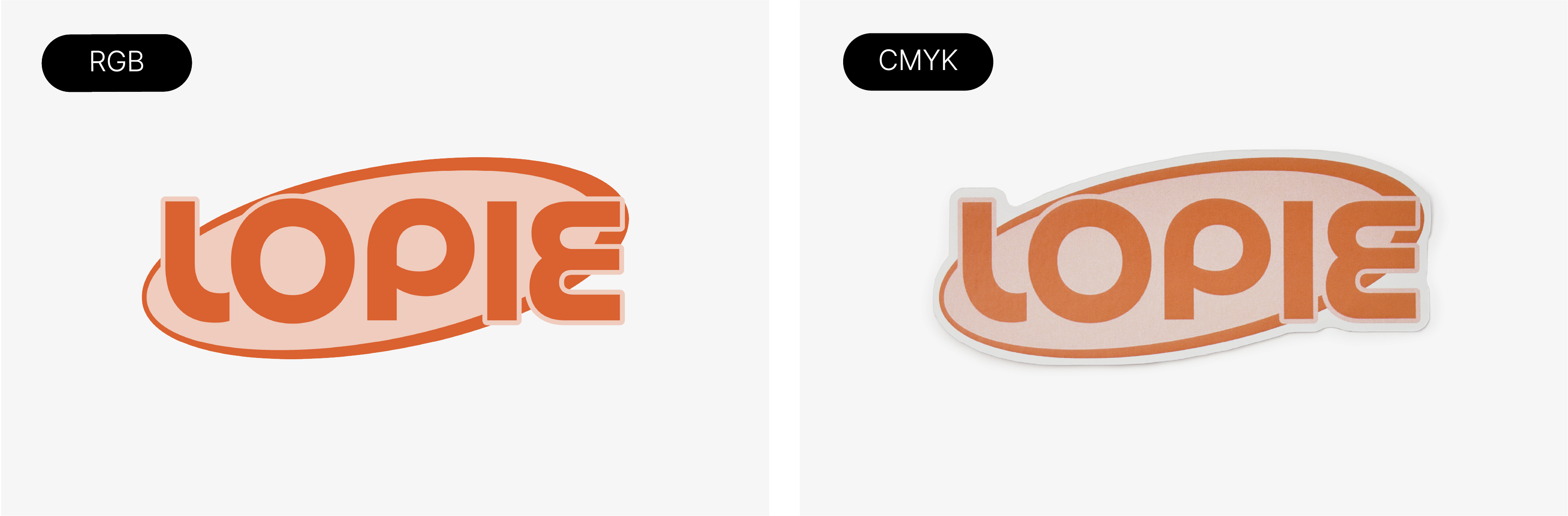
7. Due to differences in color modes, the color on screen and the actual product may vary slightly.
- What you see on your monitor or smartphone is in RGB color mode, which is used for digital displays.
- Printed stickers use CMYK color mode, which represents the actual colors used in printing.
- This difference may cause certain colors to appear slightly darker when printed.
- In particular, special colors such as fluorescent or neon, and black tones, may look different on the final product compared to how they appear on screen.
8. Marpple custom stickers from 1 piece..
- At Marple, you can create your favorite sticker from just 1 sheet.
- If you order multiple copies of one design, there may be slight color variations from sticker to sticker.